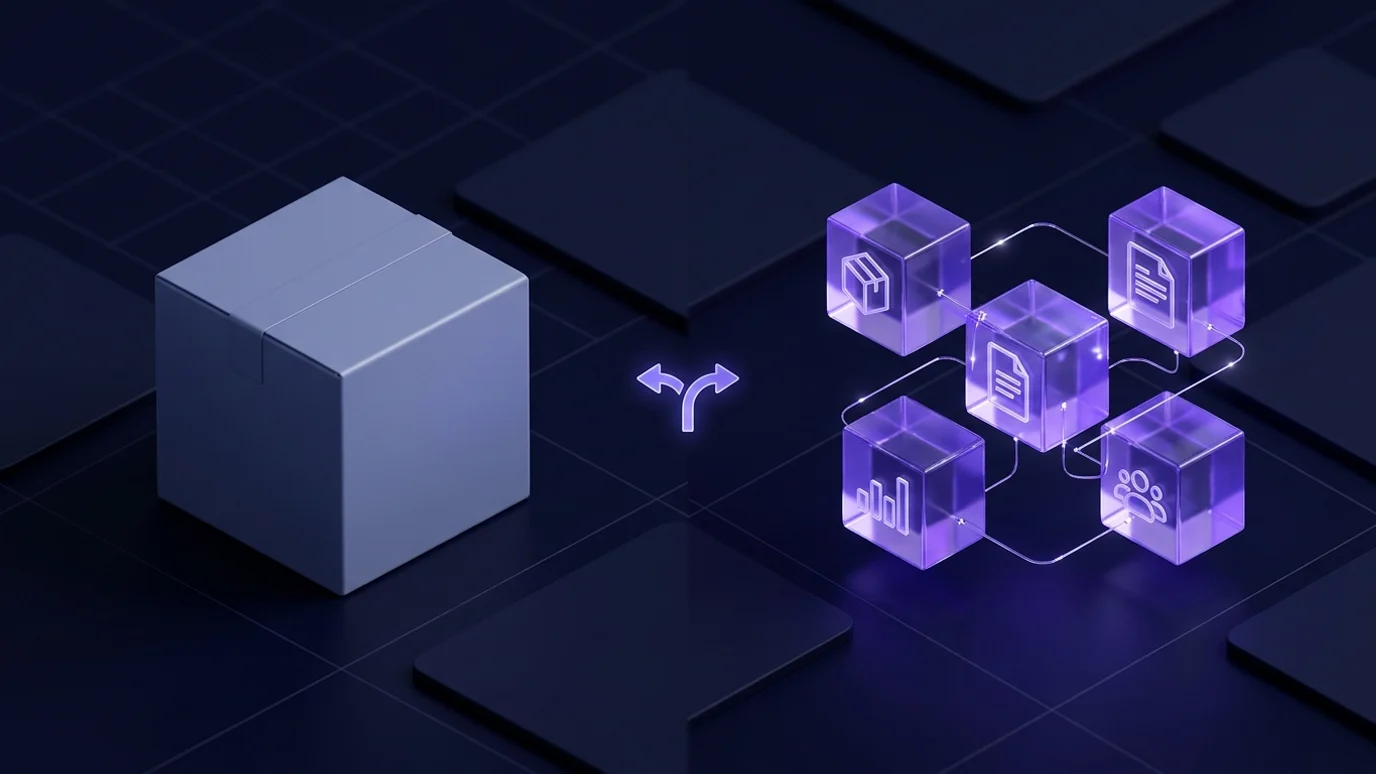
Every growing company reaches the same moment: spreadsheets stop working, WhatsApp groups have become the unwritten "system", and the owner cannot take a week off without things stalling. The next decision — ready-made ERP or custom — shapes how your company runs for years, and it is usually made on a sales pitch rather than an understanding of your operations.
Most writing on the subject is biased: the vendor says customisation wastes time, the agency says off-the-shelf is a cage. In reality each path is right in specific situations, and a third — the hybrid — is overlooked though it suits many mid-sized companies here.
At Jad Digital we build custom ERP and CRM systems, and we sometimes tell clients plainly that a ready-made product is enough. This guide covers what an ERP contains module by module, the honest comparison, the hybrid path, how Egyptian ETA and Saudi ZATCA e-invoicing shape the decision, sector scenarios, the failures we see, and a decision checklist.
Do you even need a system yet?
Make sure you are at the right moment. A system does not fix administrative chaos, but it multiplies an organised process. These symptoms say the time has come:
If four or more apply, the cost of having no system already exceeds implementing one — it is simply invisible, appearing as lost opportunities, stock errors and wasted hours rather than a bill.
- Customer and order data is scattered across Excel, WhatsApp and paper, and nobody knows which copy is correct.
- Recorded stock does not match the warehouse, and stocktaking takes days.
- A simple monthly sales report needs manual assembly from three people.
- Invoices come out of a separate program and reach accounting through re-entry.
- Every new hire needs weeks to learn "how the company works" because it is written nowhere.
- The owner is the contact point for every operational decision, and their absence stops work.
What an ERP actually covers, module by module
ERP means enterprise resource planning, and the core idea is simple: one database where information is entered once and appears for everyone who needs it, with permissions, workflows and live reports. What it contains:
Your company needs neither all of these nor all now. A good system starts with the most painful module and expands.
- Sales and customers: leads, quotations, sales orders, contact history. Many service companies start here; see what a CRM system is.
- Purchasing and suppliers: requests, approval cycles, supplier comparison, purchase orders, receiving.
- Inventory and warehouses: items, units, batches, expiry dates, transfers, reorder levels, stocktaking.
- Manufacturing: bills of materials, work orders, production stages, waste — for factories, not retailers.
- Finance and accounting: chart of accounts, journal entries, receivables and payables, banks, costing, budgets.
- Invoicing and compliance: invoices in the format your e-invoicing system accepts, posted automatically to the ledger.
- Projects and contracts: phases, deliverables, progress and payment certificates — essential in construction.
- Human resources: employees, attendance, leave, payroll, advances.
- Service and maintenance: support tickets, maintenance orders, warranty contracts, technician scheduling.
- Reporting and permissions: dashboards per role and an audit trail of who changed what — the module owners use most.
When ready-made is the right answer
Ready-made systems — local or global, such as Odoo, Zoho or SAP Business One — make sense when your operations really are standard: buying, selling and stock in conventional flows, with a team willing to adapt to the software.
Their advantages are real: you start in weeks; modules are proven across thousands of companies, so problems are known and solved; you pay a subscription instead of a larger upfront investment; e-invoicing is usually built in; and many consultants know the product, so you are not tied to one supplier.
But be aware of the hidden price. You will change how your company works to fit the software, not the reverse. Subscriptions and per-user fees continue forever and grow with your team. Customisation beyond what the product allows is impossible or unexpectedly expensive, and heavy customisations break with every major upgrade — what surprises clients most after two years.
One detail buyers overlook: who implements it? The product is one thing, the implementation partner another, and most failure stories with ready-made systems come from a weak partner, not the software. Ask who configures it, how many similar projects they delivered in your sector, and what happens if they disappear in six months.
Message us on WhatsApp or book a free consultation — we answer plainly, with no obligation.
When custom becomes the smarter investment
When your operations are your competitive advantage. If your pricing method, approval cycle or business model does not resemble the templates, forcing it into one means losing what makes you different, or building workarounds that quietly bring the chaos back.
Cases where custom is clearly justified: an unconventional model (rentals, subscriptions, usage-based pricing, multi-party commissions); deep integration with existing machines or legacy systems with no interfaces; a user count that makes subscription fees a permanent burden; or board-level reporting no product produces.
And the fundamental difference: you own it. Source code, database and hosting in your name, no fee per new user, no risk of a vendor changing terms or discontinuing the product. In return you carry maintenance and development — a real responsibility to plan for, not discover.
The honest comparison
Time to value
Ready-made clearly wins at the start: install, configure, train, go. Custom needs analysis and build, but a phased project launches its first useful module in weeks rather than at the end. Ask any vendor: what will my team actually use first, and when?
Fit with your operations
Here the balance flips. Ready-made fits up to a point, then the bending starts: extra steps, fields used for other purposes, side spreadsheets creeping back. Custom is built around your flows as they are, so adoption is faster because it resembles what people already do.
Cost structure
Not numbers, but the shape of the spending. Ready-made is a recurring commitment lasting as long as the system runs and growing with users and modules. Custom is a larger upfront investment then lower hosting and maintenance. Compare total cost over five years assuming your team grows — not the first month's bill.
Control and upgrades
With ready-made the upgrade schedule is not yours: unwanted features appear, a learned interface changes, a capability you depend on is retired. With custom you upgrade when and what you need — but no free improvement arrives; development is your responsibility.
Vendor lock-in and data ownership
The most dangerous point owners skip. Ask before signing: can I export all my data — raw records with their relationships, not reports — at any time in a usable format? Who owns the code? Where is the data hosted? A "custom" system whose code stays with the vendor is tighter lock-in than any subscription.
The hybrid path: ready-made core, custom modules
This is what we often recommend and it is rarely discussed. Use a ready-made system for the genuinely standard parts — accounting and payroll — and build custom where you differentiate: the ordering platform, the field-rep app, the customer portal, the pricing engine. Then connect both through APIs so nothing is entered twice.
This path lowers risk: you start fast with proven software in the boring areas and invest in customisation where it returns. Its one condition is that the ready-made system is genuinely open to integration through a decent API — ask before buying, not after.
A case we see often: a retailer keeps accounting and payroll ready-made while we build its online store, order dashboard and rep app, then connect both so every sale posts to accounting automatically. Nobody re-enters anything, and nobody pays to customise a module that needed no customisation. The same logic applies to accounting tools, covered in ready-made accounting software versus a custom system.
Compliance as a decision factor: Egypt and Saudi Arabia
E-invoicing is no longer a technical detail; it is a condition of trading. In Egypt, the electronic invoice and receipt system requires a defined format, signed and submitted for an approval number, with standardised item codes. In Saudi Arabia, the integration phase with the Zakat, Tax and Customs Authority requires specific formats and reporting or clearance by invoice type.
Common ready-made systems in both markets have solved this and update it when rules change — a genuine advantage. In a custom system, compliance must be built in from the start, with an explicit contract clause covering updates. Never accept "we will handle that later". The Saudi details are in ZATCA e-invoicing and what it means for your ERP.
Sector scenarios
A small factory in Tenth of Ramadan. It needs bills of materials, work orders, waste tracking and real product costing — areas mature in ready-made systems, where customising is usually a luxury, unless the line must read directly from measuring equipment.
A distributor with reps on the road. Stock and finance are perfectly standard; the rep app that works offline, prints a receipt and records collection makes the difference. A textbook hybrid.
A clinic chain in Cairo. Booking, medical records, the patient journey and insurance are highly specific, and generic products break the experience. Custom — or a specialised medical product — with ready-made accounting behind it.
A real estate developer. Units, contracts, instalments, payment schedules and broker commissions: a model that looks nothing like retail, where ready-made inventory templates become a burden. This is where custom is clearest.
Across all four, the question is never "which is better?" but "which part of my operation is standard, and which differentiates me?". Companies that answer honestly usually end up with a mix.
How the implementation is actually run
The path you choose matters less than how you execute. The projects we have seen succeed share almost the same sequence, ready-made or custom.
It starts with a short workshop mapping processes as they really happen, with the people who do the work present — not only managers. The output is a prioritised list of pains, and from it the first module: usually the one closest to the money.
Then data, where most projects are killed. Deduplicate items, unify customer names, agree opening balances with your accountant, and test the import on a staging copy before go-live. Dirty data means a team that loses trust in week one.
Then phased go-live: one module genuinely in people's hands, running old and new in parallel for a few days until confidence settles. Keep training short and repeated around daily tasks, with a brief Arabic guide inside the system.
Finally, measurement. Pick three indicators before you start — month-end closing time, stock accuracy, fulfilment time — and measure at three and six months. Without them, judging the system becomes a matter of mood.
The failures we actually see
- Buying the system before mapping processes, so it is built around the org chart instead of the work.
- Launching every module at once instead of absorbable phases.
- Leaving data migration to the final week, so wrong balances go in and trust dies on day one.
- No internal project owner: without an empowered person inside, decisions stall and timelines stretch.
- Neglecting training and documentation, so everyone drifts back to Excel within a month.
- Measuring success by feature count instead of operational indicators.
A checklist before you decide
Do not buy a system then look for a problem it solves. Map your processes first, then decide: if ready-made covers them without twisting your company's arm, save your money; if not, custom — or hybrid — is a foundation that serves you for years. That is how we work in custom ERP and CRM systems, and if you are still comparing partners, start with the guide to choosing a software company in Egypt.
- Have you mapped your processes and identified the biggest pain?
- How much of your operation is genuinely standard, and how much truly specific rather than habitual?
- Have you trialled the ready-made system with your own data, not a sales demo?
- Which module launches first, and when does your team see it working?
- How does it handle e-invoicing today, and who updates that when rules change?
- Can you export all your raw data at any time? Who owns the code?
- What is the five-year cost if your user count doubles?
- Who owns this project internally, and how much time will they give it weekly?
- What is the training plan, and which indicators will you measure after six months?
Frequently Asked Questions
What is the difference between ERP and CRM?
+
CRM manages leads, quotes, follow-ups and sales; ERP covers the whole company including purchasing, inventory, finance and HR. Many companies start with CRM and expand towards a full ERP.
Does a custom system take months before I benefit?
+
Not if it is phased. The first module — sales, inventory or invoicing — launches within weeks and is used while the next is built. A vendor promising everything "at once in a year" is selling risk.
Is ready-made always cheaper?
+
In the first year, usually yes. Over five years, as users, modules and customisations grow, the paths often converge or reverse. Calculate total cost of ownership, not the monthly fee.
Can we migrate data from Excel and our old program?
+
Yes. Customers, suppliers, items, balances and history are imported, cleaned and verified before go-live, with your accountant approving opening balances. Give this step real time; skipping it causes failures.
Who owns a custom system?
+
You do, if the contract says so: source code, database and hosting accounts in your name at handover, with documentation sufficient for any future developer. If a vendor refuses that clause, you are renting.
What if processes change in two years?
+
That is expected and belongs in the design. A good custom system extends with new modules, and a good ready-made one accepts modules from its marketplace. Either way, ask what change costs and who implements it.
We are a small company — is ERP premature?
+
Not necessarily. Start with one module that solves your biggest pain rather than a full suite. Companies that begin with a simple, disciplined system scale more smoothly than those who wait until chaos is expensive.